Source Code : Make image Transparency
Java Is Open Source Programming Language You Can Download From Java and Java Libraries From http://www.oracle.com.
Click Here to download
We provide this code related to title for you to solve your developing problem easily. Libraries which is import in this program you can download from http://www.oracle.com.
Click Here or search from google with Libraries Name you get jar file related it
Make image Transparency
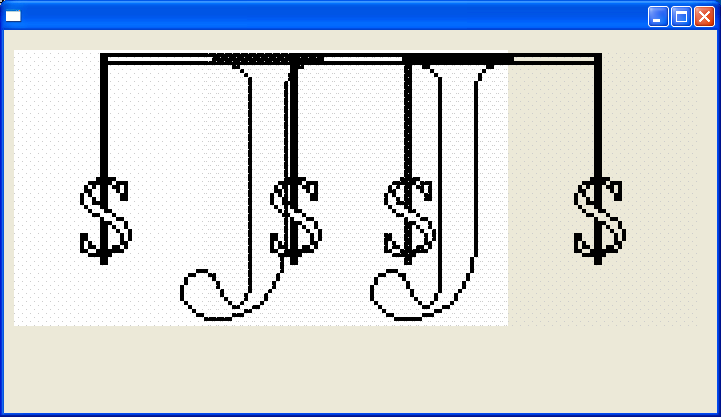
//package mw.client.utils.gui;

import java.awt.AlphaComposite;
import java.awt.Color;
import java.awt.Graphics2D;
import java.awt.Image;
import java.awt.Toolkit;
import java.awt.image.BufferedImage;
import java.awt.image.FilteredImageSource;
import java.awt.image.ImageFilter;
import java.awt.image.ImageProducer;
import java.awt.image.RGBImageFilter;

public class Transparency {
  public static Image makeColorTransparent(Image im, final Color color) {
    ImageFilter filter = new RGBImageFilter() {
      // the color we are looking for... Alpha bits are set to opaque
      public int markerRGB = color.getRGB() | 0xFF000000;

      @Override
      public final int filterRGB(int x, int y, int rgb) {
        if ((rgb | 0xFF000000) == markerRGB) {
          // Mark the alpha bits as zero - transparent
          return 0x00FFFFFF & rgb;
        } else {
          // nothing to do
          return rgb;
        }
      }
    };

    ImageProducer ip = new FilteredImageSource(im.getSource(), filter);
    return Toolkit.getDefaultToolkit().createImage(ip);
  }

  public static BufferedImage makeImageTranslucent(BufferedImage source,
      double alpha) {
    BufferedImage target = new BufferedImage(source.getWidth(),
        source.getHeight(), java.awt.Transparency.TRANSLUCENT);
    // Get the images graphics
    Graphics2D g = target.createGraphics();
    // Set the Graphics composite to Alpha
    g.setComposite(AlphaComposite.getInstance(AlphaComposite.SRC_OVER,
        (float) alpha));
    // Draw the image into the prepared reciver image
    g.drawImage(source, null, 0, 0);
    // let go of all system resources in this Graphics
    g.dispose();
    // Return the image
    return target;
  }
}
Thank with us

