Source Code : Viewing RTF format
Java Is Open Source Programming Language You Can Download From Java and Java Libraries From http://www.oracle.com.
Click Here to download
We provide this code related to title for you to solve your developing problem easily. Libraries which is import in this program you can download from http://www.oracle.com.
Click Here or search from google with Libraries Name you get jar file related it
Viewing RTF format
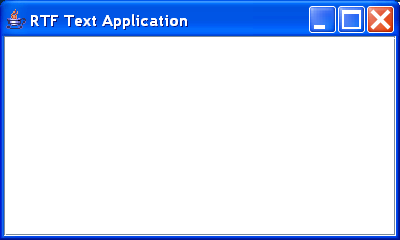
import java.awt.BorderLayout;
import java.awt.Color;
import java.io.FileInputStream;
import java.io.FileNotFoundException;
import java.io.IOException;

import javax.swing.JEditorPane;
import javax.swing.JFrame;
import javax.swing.JPanel;
import javax.swing.JScrollPane;
import javax.swing.text.BadLocationException;
import javax.swing.text.rtf.RTFEditorKit;

public class RTFView extends JFrame {
  public RTFView() {
    setTitle("RTF Text Application");
    setSize(400, 240);
    setBackground(Color.gray);
    getContentPane().setLayout(new BorderLayout());

    JPanel topPanel = new JPanel();
    topPanel.setLayout(new BorderLayout());
    getContentPane().add(topPanel, BorderLayout.CENTER);

    // Create an RTF editor window
    RTFEditorKit rtf = new RTFEditorKit();
    JEditorPane editor = new JEditorPane();
    editor.setEditorKit(rtf);
    editor.setBackground(Color.white);

    // This text could be big so add a scroll pane
    JScrollPane scroller = new JScrollPane();
    scroller.getViewport().add(editor);
    topPanel.add(scroller, BorderLayout.CENTER);

    // Load an RTF file into the editor
    try {
      FileInputStream fi = new FileInputStream("test.rtf");
      rtf.read(fi, editor.getDocument(), 0);
    } catch (FileNotFoundException e) {
      System.out.println("File not found");
    } catch (IOException e) {
      System.out.println("I/O error");
    } catch (BadLocationException e) {
    }
  }

  public static void main(String args[]) {
    // Create an instance of the test application
    RTFView mainFrame = new RTFView();
    mainFrame.setVisible(true);
  }
}
Thank with us

