Java Is Open Source Programming Language You Can Download From Java and Java Libraries From http://www.oracle.com.
We provide this code related to title for you to solve your developing problem easily. Libraries which is import in this program you can download from http://www.oracle.com.
Simple Annotations: Draw Rectangle to Show Annotations
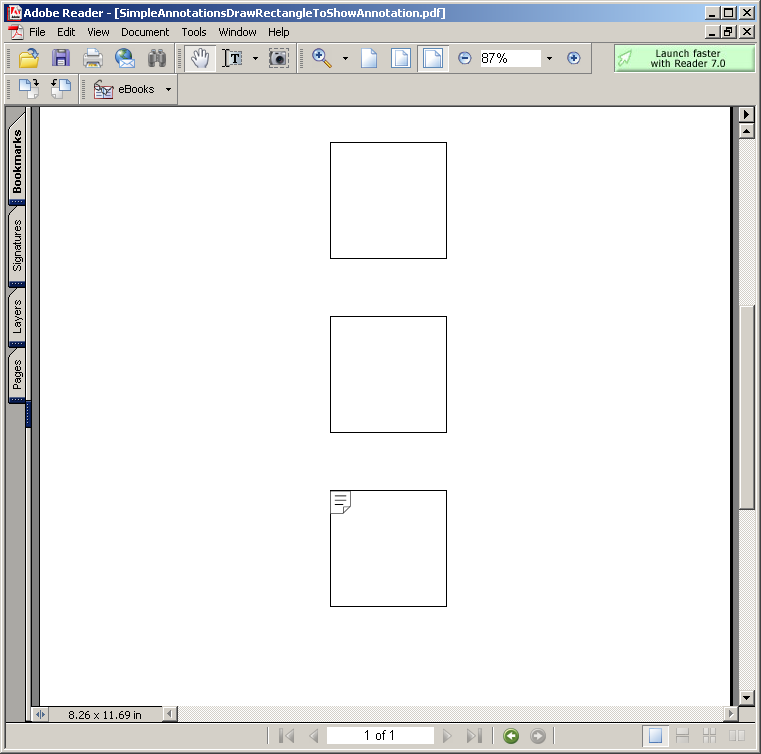
import java.io.FileOutputStream;
import java.net.URL;

import com.lowagie.text.Annotation;
import com.lowagie.text.Chunk;
import com.lowagie.text.Document;
import com.lowagie.text.Image;
import com.lowagie.text.PageSize;
import com.lowagie.text.Paragraph;
import com.lowagie.text.pdf.PdfAction;
import com.lowagie.text.pdf.PdfContentByte;
import com.lowagie.text.pdf.PdfWriter;

public class SimpleAnnotationsDrawRectangleToShowAnnotation {
  public static void main(String[] args) {
    Document document1 = new Document(PageSize.A4, 10, 10, 10, 10);
    try {
      PdfWriter writer1 = PdfWriter.getInstance(document1, new FileOutputStream("SimpleAnnotationsDrawRectangleToShowAnnotation.pdf"));
      writer1.setPdfVersion(PdfWriter.VERSION_1_5);
      document1.open();

      Annotation a = new Annotation("authors", "Text for an annotation",250f, 250f, 350f, 350f);

      document1.add(a);
      // draw rectangles to show where the annotations were added
      PdfContentByte cb1 = writer1.getDirectContent();
      cb1.rectangle(250, 700, 100, 100);
      cb1.rectangle(250, 550, 100, 100);
      cb1.rectangle(250, 400, 100, 100);
      cb1.rectangle(250, 250, 100, 100);
      cb1.stroke();

    } catch (Exception de) {
      de.printStackTrace();
    }
    document1.close();
  }
}

